
After you add multiple accounts to the Unified Calling App, you can easily switch between different accounts without signing out and back in again.
Prerequisites
You have added more than one account to Unified Calling.
Procedure
- At the top-left corner of the Unified Calling App, tap your account.
- Go to Settings > Account Management.
- Tap the desired account.
- Tip
- You can tap
 beside the account to check account information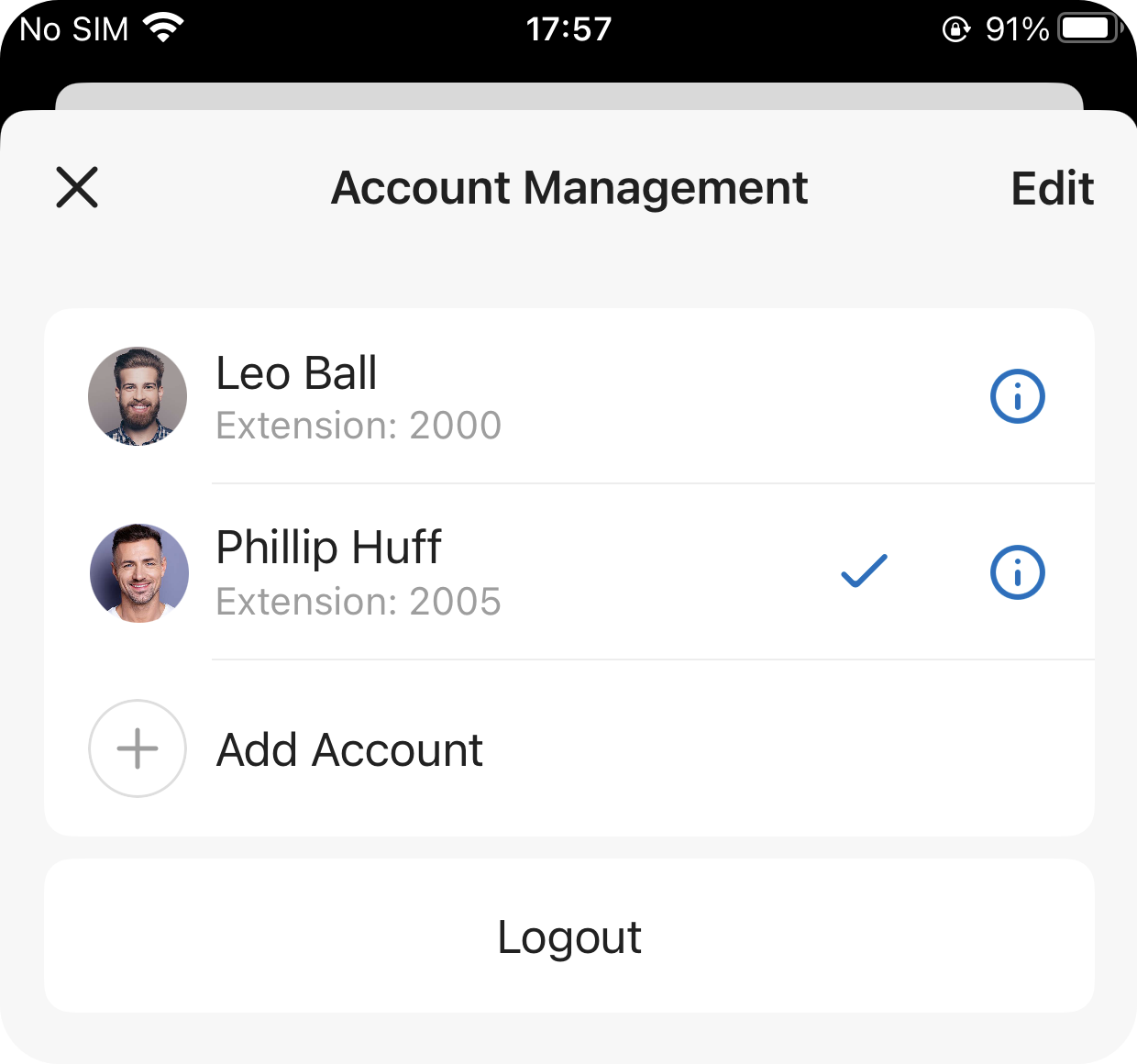
- You can tap
- Tip
Result
You are logged in to Unified Calling with the selected account.
Related information