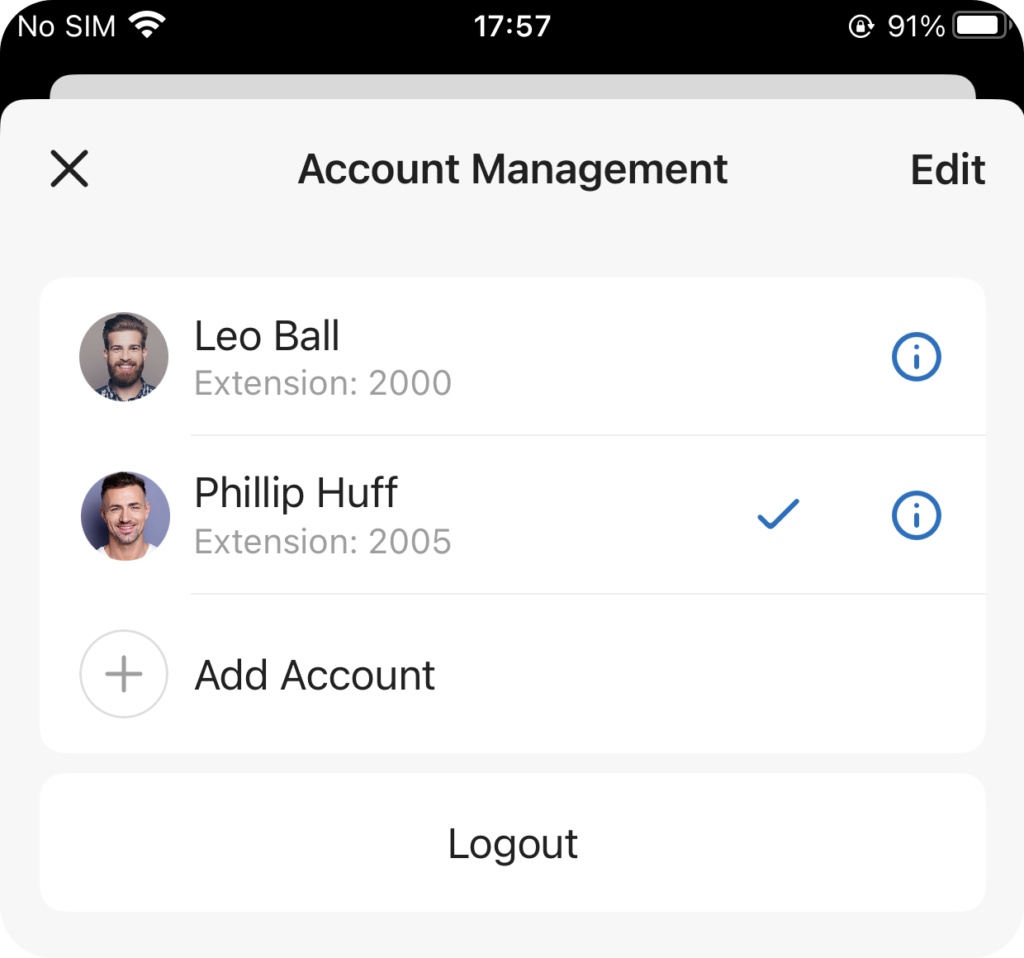
If you have more than one account for work, you can add them to Unified Calling, so as to quickly switch between the accounts. This topic describes how to add multiple accounts to the Unified Calling App.
Procedure
- At the top-left corner of the Unified Calling App, tap your account.
- Go to Settings > Account Management.
- Tap Add Account.
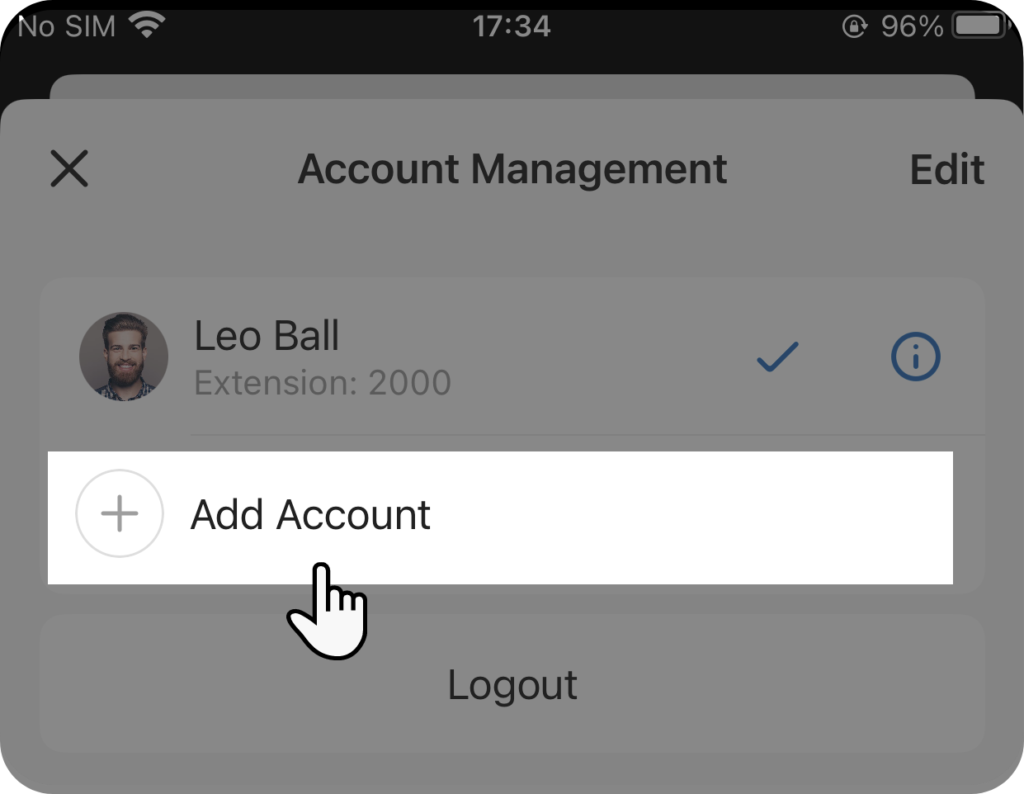
You are now redirected to the Unified Calling login page.
Log in to Unified Calling with the new account.
Result
- You are logged in to Unified Calling with the new account.
- The added accounts are displayed in the account list on Settings > Account Management.