
Chat feature allows you to start a conversation (either 1:1 chat or group chat ) with colleagues, and liven up the conversation with emoji, pictures, and file sharing. Chat histories are auto-synced across Unified Calling Clients, which means that you can access the same messages and files from Unified Calling Web Client and the Unified Calling App.
Procedure
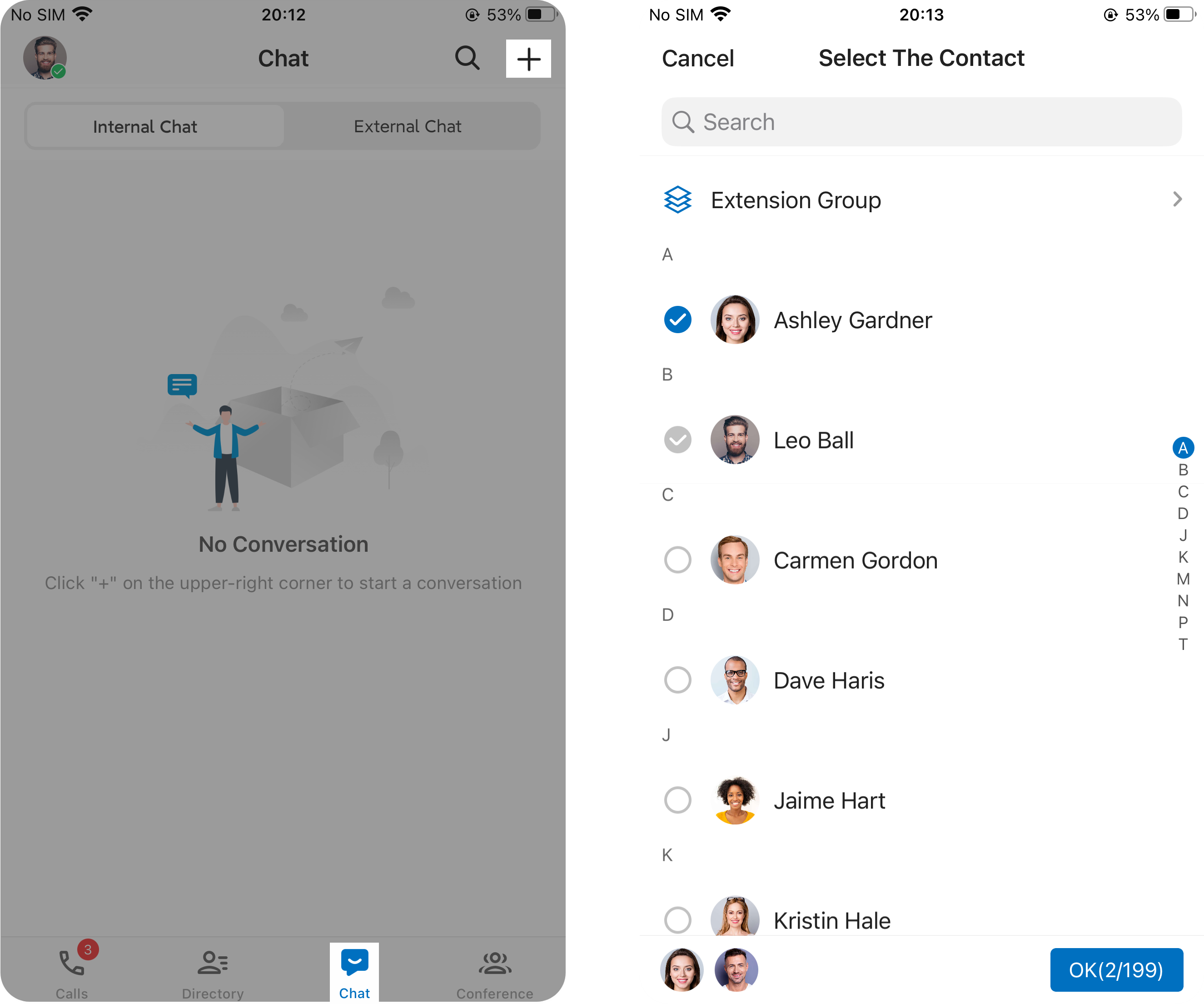
- In the Unified Calling App, go to Chat > Internal Chat.
- At the top-right corner, tap
 , then select Create Group.
 - Search and select the colleague(s) to add to a chat, then tap OK.
Result
- If it is a 1:1 chat, the chat will appear on the receiver’s side after you send a message.
- If it is a group chat, the chat will automatically appear in the chat list of other group chat members.