
This topic describes how to edit and delete your personal contacts in the Unified Calling App. The changes will be synchronized across Unified Calling Clients.
Edit a personal contact
- In the Unified Calling App, go to Directory > Contacts.
- At the top-left corner, select Personal Contacts.
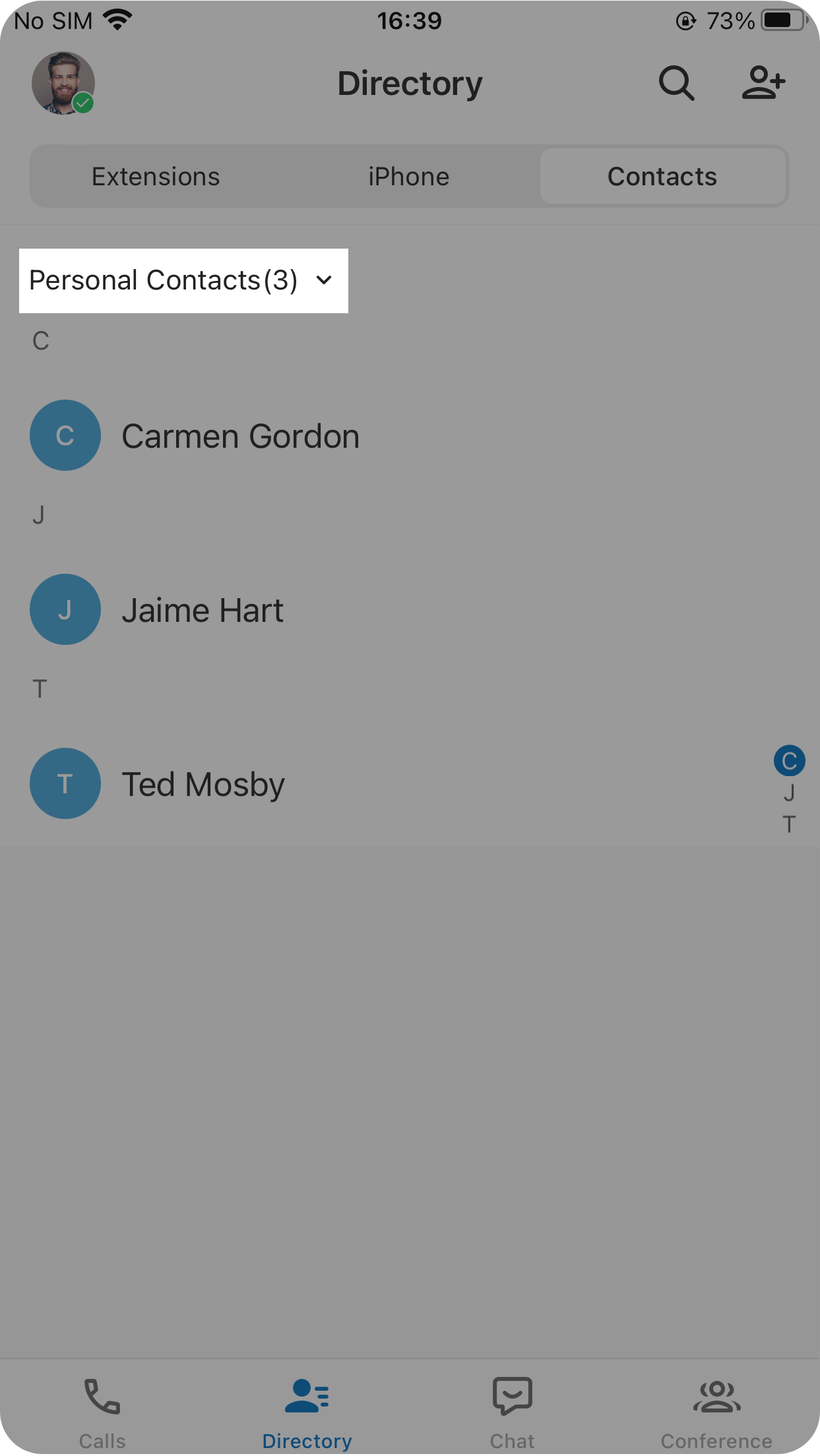
- Tap the desired contact, then tap
 at the top-right corner.
 - Edit the contact’s information as needed.
- At the top-right corner, tap to save the information.
Delete a personal contact
- In the Unified Calling App, go to Directory > Contacts.
- At the top-left corner, select Personal Contacts.
- Tap the desired contact, then tap at the top-right corner.
- At the bottom of the edit page, tap Delete.
- In the pop-up window, tap OK.