
This topic describes how to change your Unified Calling login password.
Procedure
- At the top-left corner of the Unified Calling App, tap your account.
- Go to Settings > Password Management.
- In the Password Management page, do as follows:
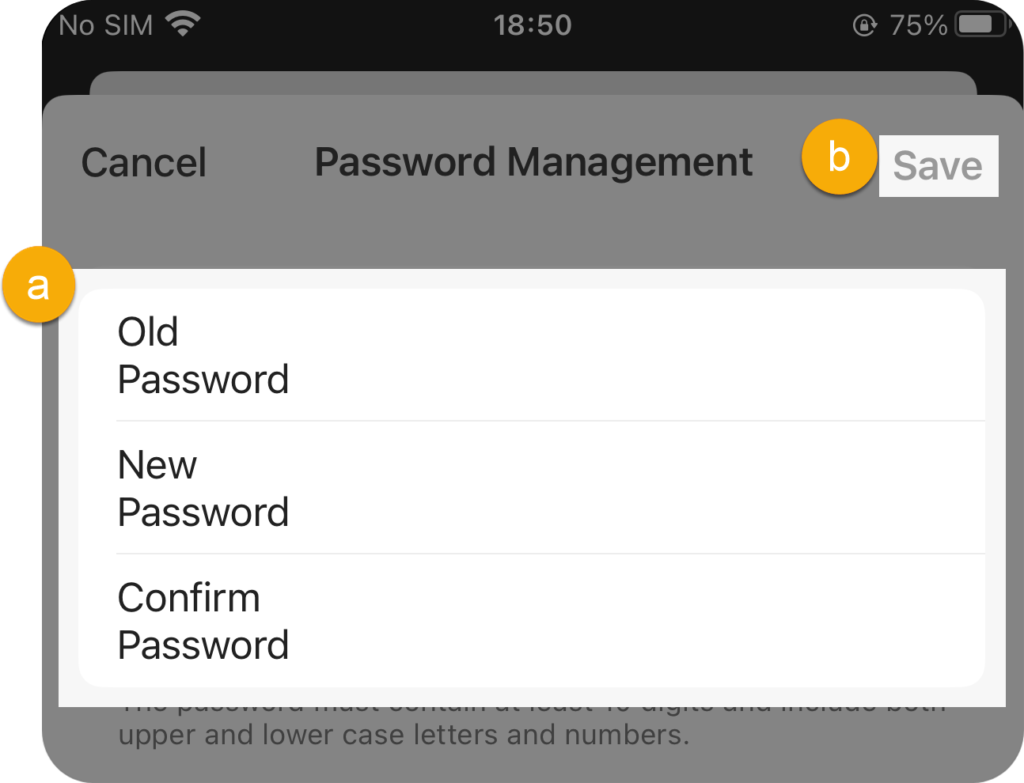
- Old Password – Enter the old password.
- New Password – Enter the new password.
- Confirm Password – Enter the new password again.
- At the top-right corner, tap Save.
Result
The login password is changed, and your account is automatically logged out of Unified Calling.
Next step
Log in to Unified Calling with the new password.